
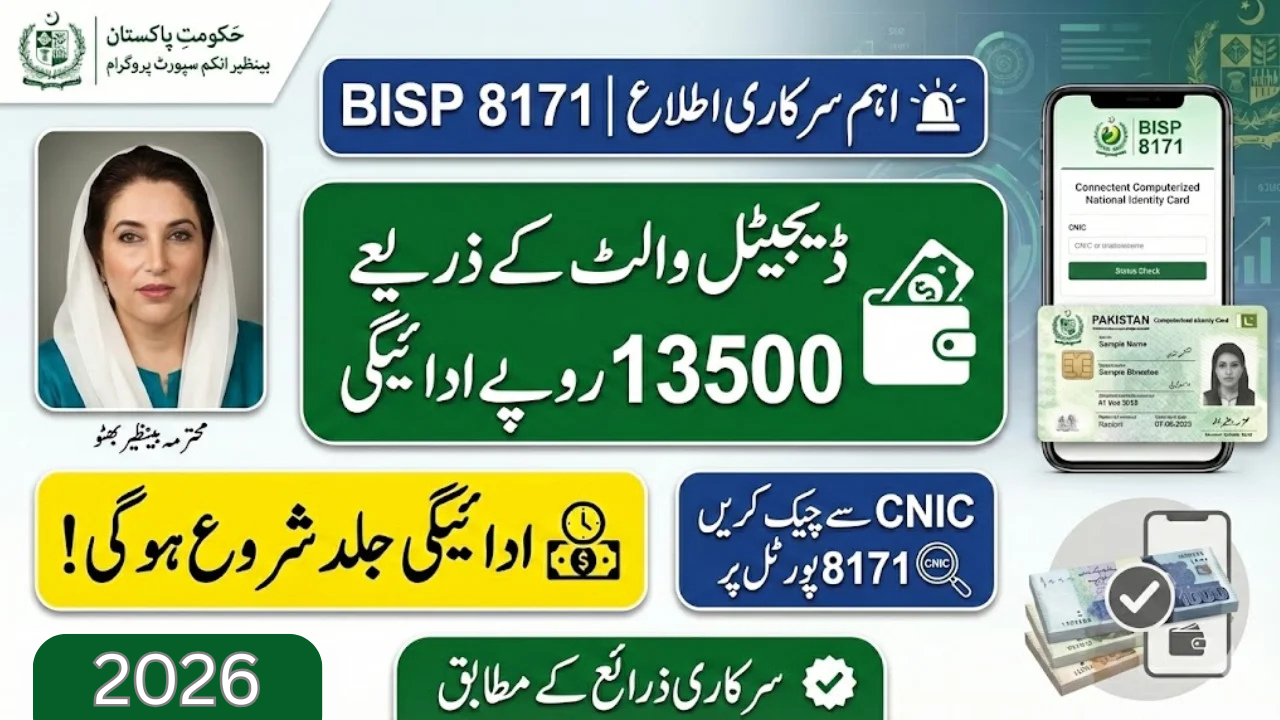
BISP 8171 Verification Process Step by Step (2026 Complete Guide)
If you want to receive your BISP Kafalat payment without any delay, then you must complete the BISP 8171 verification process. Many beneficiaries face issues like CNIC not verified, payment blocked, or fingerprint mismatch, which stop their payment.
In this article, we will explain the complete BISP 8171 verification process step by step in an easy way, so you can verify your CNIC online, through SMS, or by visiting the nearest BISP office.
📌 Also Read :
👉 BISP 13500 Payment Latest Update 2026
What is BISP 8171 Verification?
BISP 8171 verification is a process where the government checks your eligibility for the Benazir Income Support Programme. This verification is important because only verified families can receive payments like:
BISP Kafalat Payment
BISP 13500 Installment
Taleemi Wazaif
Nashonuma Program Support
If your verification is incomplete, your payment can be delayed or blocked.
BISP 8171 Verification Process Step by Step (2026)
Below is the complete step-by-step method to verify your CNIC easily.
Step 1: Check CNIC Status via SMS 8171
First, open your mobile message box and type your CNIC number without dashes.
Example:
1234512345671
Send it to 8171.
After some seconds, you will receive a reply message telling:
Eligible
Not eligible
Verification required
Survey required
Step 2: Check Verification Online via 8171 Web Portal
If you have internet, the best method is using the official web portal.
Official link:
https://8171.bisp.gov.pk
Steps:
Open the website
Enter your CNIC number
Enter captcha code
Click submit
Check your eligibility and verification result
This is the fastest and easiest method.
Step 3: Visit BISP Tehsil Office (If Portal Shows Survey Required)
If the portal shows:
“Survey required”
“Data incomplete”
“Visit office”
Then you must visit your nearest BISP Tehsil Office.
Take these documents:
Original CNIC
Children B-Form (if available)
Electricity bill (optional)
Husband/Wife CNIC (if married)
The BISP staff will update your record.
Step 4: Complete Dynamic Survey for Verification
Many people are removed from the program because their survey data is old. That is why BISP introduced the Dynamic Survey.
During this survey, BISP checks:
Monthly income
Number of family members
House condition
Utility bill usage
Education and employment details
After completing the dynamic survey, your eligibility can be approved again.
Step 5: Biometric Fingerprint Verification
After verification approval, you must verify your fingerprint at:
BISP payment center
HBL ATM
Retail shop biometric device
If fingerprint does not match, you may need to update fingerprints through NADRA.
Step 6: Receive Payment After Successful Verification
After your verification is complete, you will receive a confirmation SMS and can collect payment through:
BISP Campsites
HBL Connect Shops
ATM (where available)
Common Problems in BISP 8171 Verification & Their Solutions
❌ CNIC Not Verified
✔ Solution: Visit BISP office and update your data.
❌ Not Eligible Message
✔ Solution: Apply for dynamic survey again.
❌ Fingerprint Not Matching
✔ Solution: Update fingerprints from NADRA.
❌ Payment Blocked
✔ Solution: Check eligibility again and complete biometric verification.
How Long Does BISP Verification Take?
BISP verification time depends on the method:
SMS verification: 1 minute
Web portal verification: instant
Office verification: 7 to 15 days
Dynamic survey update: 15 to 30 days
Also Read:
👉 8171 CNIC Check Online – Complete Guide
Official Government Website & Helpline
For official verification, always use government sources:
✅ 8171 Portal: https://8171.bisp.gov.pk
✅ BISP Official Website: https://www.bisp.gov.pk
📞 Helpline: 0800-26477
FAQs – BISP 8171 Verification Process
Q1: How can I verify my CNIC for BISP 8171?
You can verify by sending CNIC to 8171 or checking through the official portal 8171.bisp.gov.pk.
Q2: What should I do if the portal shows “Survey Required”?
You must visit the nearest BISP Tehsil Office and complete the dynamic survey.
Q3: How to solve fingerprint mismatch issue in BISP?
You should update your fingerprints from NADRA and then try biometric verification again.
Q4: Is BISP verification free?
Yes, the verification process is completely free. Do not pay any agent.
Q5: How long does it take to update verification after survey?
It can take 15 to 30 days after completing the dynamic survey.
Final Words
The BISP 8171 verification process is simple if you follow the right steps. You can verify through SMS, web portal, or by visiting the BISP office. If your payment is blocked or CNIC is not verified, completing the dynamic survey is the best solution.
If you want to receive your BISP 13500 payment without delay, make sure your CNIC verification is complete.
Written Date: 04 February 2026
Updated: Latest BISP 8171 Verification Process 2026
Source: Official BISP Website & 8171 Portal
Checked By: Pakistan Govt Program Updates Team
1 thought on “BISP 8171 Verification Process Step by Step 2026 – Complete Guide”